Sarah calls
The customer call stays with the right contact and retaining-wall job, along with its transcript, summary and next action.

Websites and business automation for Sunshine Coast small businesses
We change people’s lives. We help small-business owners reclaim time, clarity and control through thoughtful website design, practical business automation and connected customer workflows that stop admin and missed opportunities following them home.
More time backLess work carried homePeople remain in control

Builder workflow example
Nothing is sent until Ben approves it.
What changing a life looks like
A customer calls while you are driving. A photo is taken on site. A price is spoken into a voice note. A promise is made during a conversation. A job lives in one system and the invoice lives in another.
When you run a small business, those details often depend on you. By the time you get home, they are spread across your phone, memory, paper, messages and several apps.
Changing a life does not always begin with something enormous. Sometimes it begins with one daily frustration that no longer follows you home.
See the difference in one workday
Follow one example from Sarah’s first call, through Ben’s site photo and voice note, to an editable quote that stays under his control.
Change should be practical
This is a demonstration scenario for a small builder—not a promise that software replaces his judgment.
The customer call stays with the right contact and retaining-wall job, along with its transcript, summary and next action.
A photo of the leaning wall is captured against the job instead of becoming another unlabelled phone image.
Ben records the repair, labour, materials, price and preferred timing while the detail is fresh.
The note becomes editable structured information and a quote draft ready for deliberate review.
When you cannot answer
A dedicated business-number workflow can ring the right person, handle missed calls professionally, retain voicemail and show the team what needs doing next. Explore missed-call workflows for tradies.
Where the information happens
Voice notes, photos, documents, measurements, variations and follow-up actions can stay connected to the customer or job.
Change starts small
Small businesses do not need more complexity. Start with the smallest workflow that can make daily life noticeably better, keep what already works and add more only when there is a clear reason.
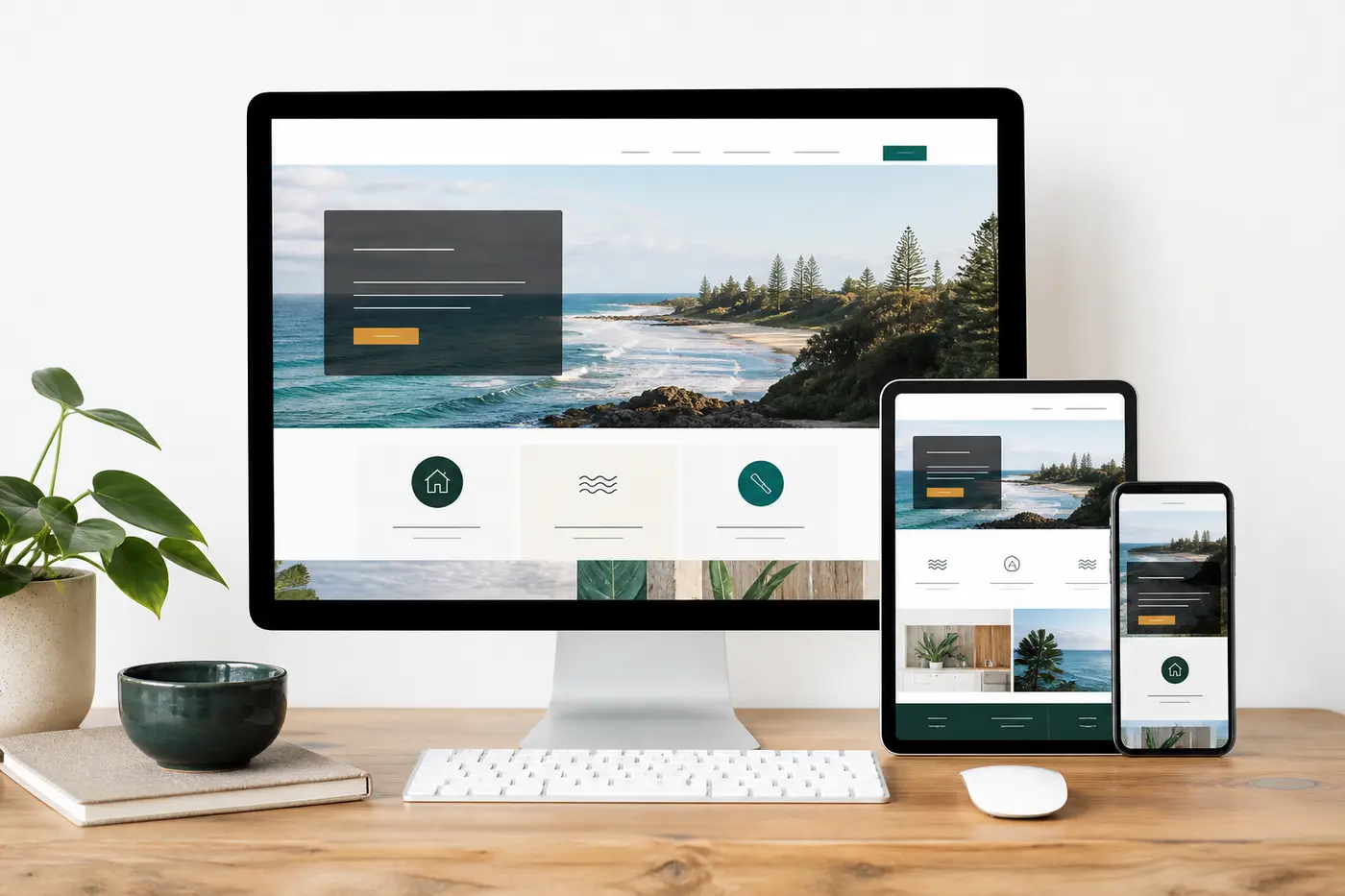
One way we create change
We build bespoke websites, redesigns, ecommerce, bookings and supported hosting—but we also consider what happens after the customer calls, books, pays or asks for a quote.
Practical help for local small business
Sunny Coast Websites combines local website design with focused customer systems and responsible AI tools. Each service begins with a real business need, not a generic technology package.
Responsive, search-friendly websites built around the services customers need and the action they should take next.
Explore website design →For trade businessesService, location and trust content supported by fast mobile contact, quote and call pathways.
Explore tradie websites →Business automationReduce retyping and lost context with workflows shaped around how a small business actually operates.
Explore business automation →Voice and AI toolsKeep source recordings, transcripts, summaries, photos and next actions with the right customer or job.
Explore voice tools →Technology should serve people
Retain recordings or source information where the workflow requires it.
Make processing, corrections and failures visible rather than silently losing work.
Customer-facing quotes, emails and reports remain under human control.
Use appropriate access controls, consent language and audit history.
Built around your business
Find where information enters, gets lost, is retyped or waits until later.
Select the smallest workflow with a meaningful business result.
Develop and demonstrate it using realistic daily work.
Use it with a small team and remove the friction that blocks adoption.
Add integrations or further workflows only after the first value is proven.
Show us where calls, photos, bookings or job notes become repetitive admin. We will map one useful place to start.